What your customers see
Your custom website
A polished site designed around your business. Visitors never see the editing tools.
- Your brand and visual style
- Clear pages and enquiries
- The same polished experience on every page
Website rebuilds for growing businesses
Your website should not need a crash course every time someone changes a sentence or adds a photo. I rebuild WordPress sites as custom websites with a simple private editing area, so your team can handle everyday updates while I look after design changes, new features and the technical work.
A clearer way to run your website
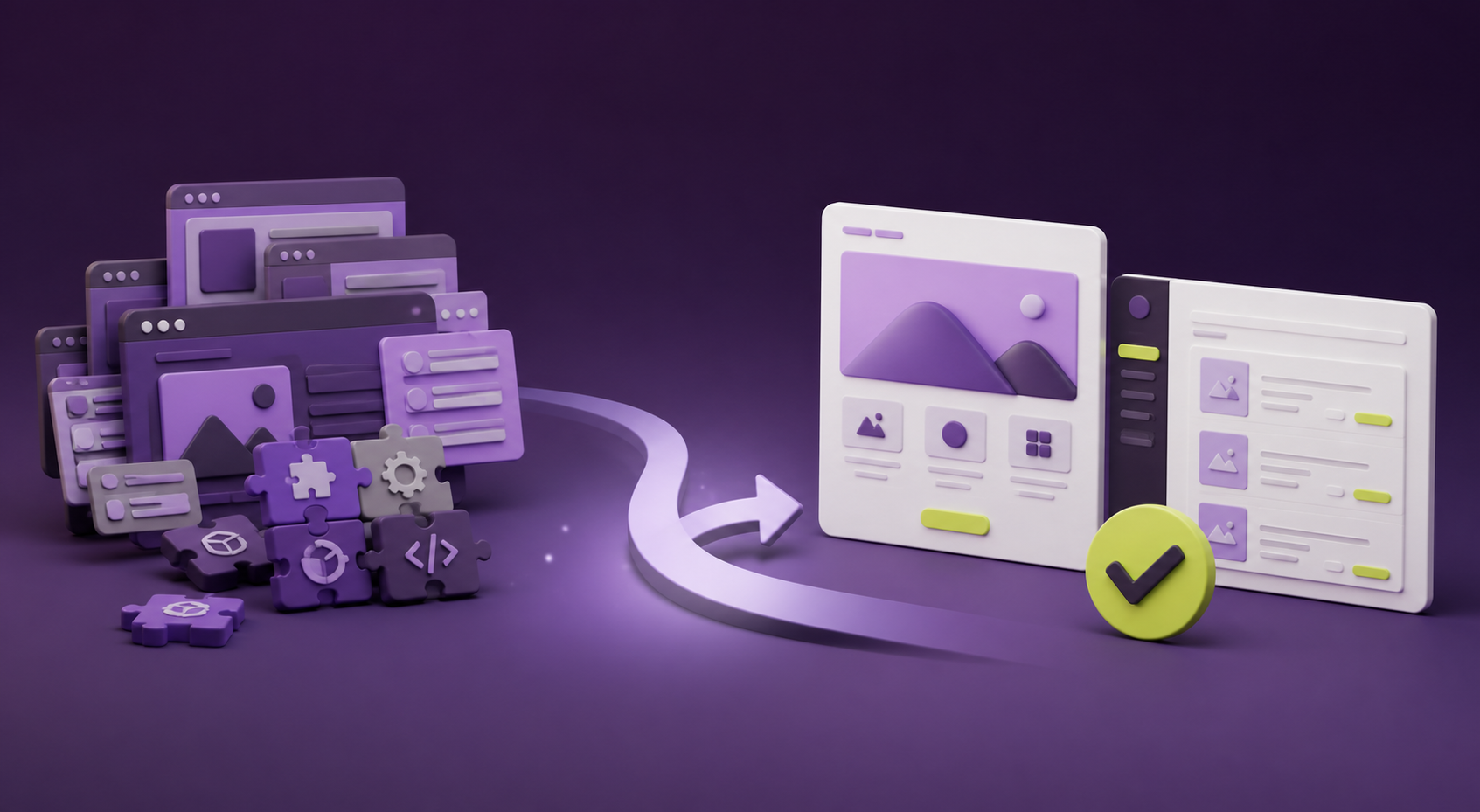
We move the useful parts, remove the clutter and give your team a clear place to handle everyday updates.
Review pages, content, forms and important links before we move anything.
Design the site around your customers and the information your team needs to manage.
Move agreed content and images, map key links and test before launch.
Your team handles agreed updates; I handle new layouts, features and technical changes.
What your team gets
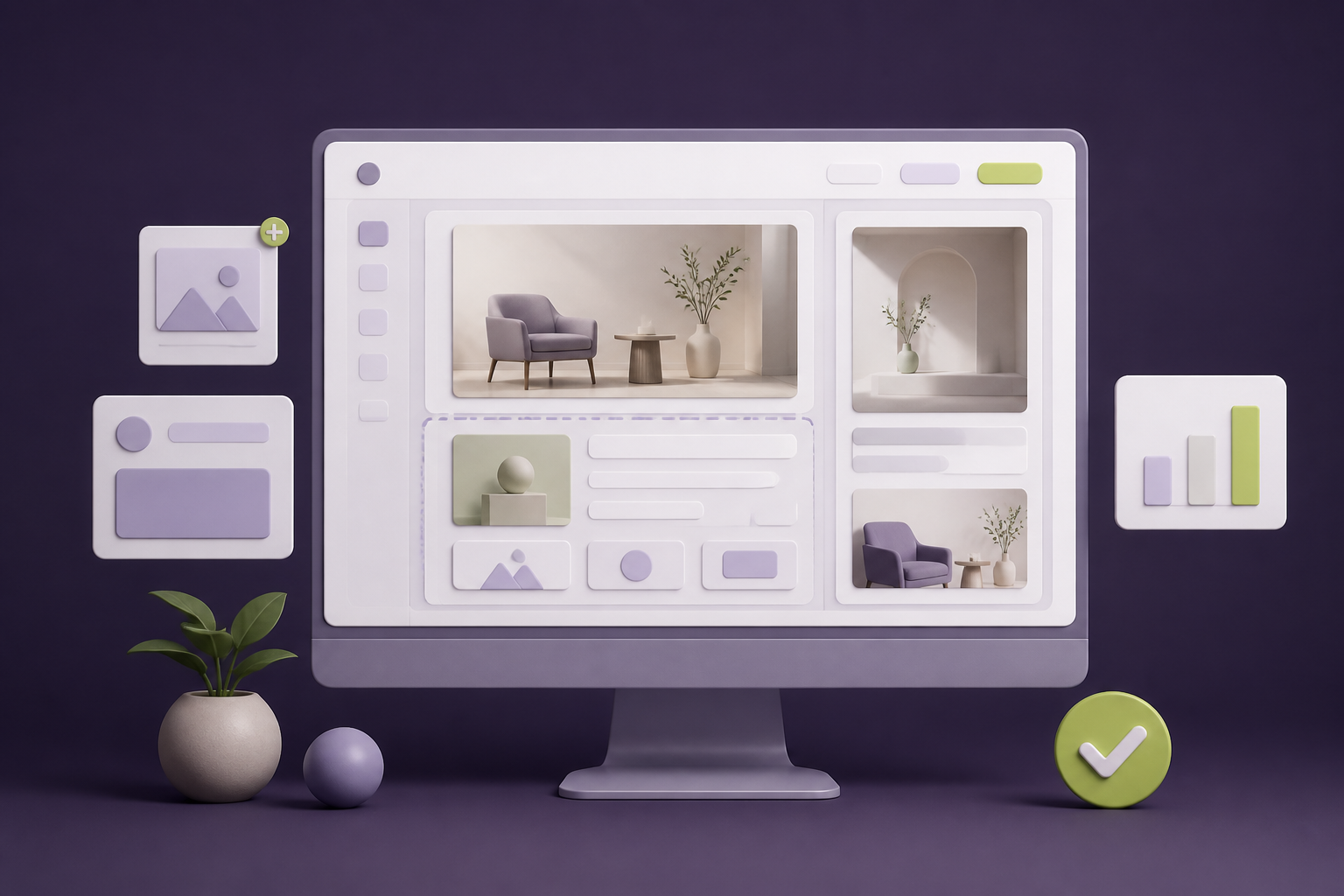
Your public site stays polished. Your team gets a private workspace for the updates they should own.
What your customers see
A polished site designed around your business. Visitors never see the editing tools.
What your team sees
Update the agreed content without code or worrying about the layout.
If the change affects design, structure or functionality, it becomes a clear request rather than a risky edit in the dashboard.
Best fit
Too many updates, plugins or unfamiliar screens make routine changes feel harder than they should.
The people closest to the business should be able to update approved pages and information without asking a developer for every small change.
You need a better foundation for the next stage of the business, with a clear plan for ownership, access and ongoing support.
Questions
Yes. Your team gets a private editing area for the pages and content agreed during the project. They can update those items without touching code or changing the site layout.
It is the private part of your website where your team edits content. Think of it as the place to update your pages, images, articles and FAQs, while the public site keeps the design and structure in place.
Of course. New page layouts, a visual refresh, new features and connections to other tools are handled as design or development requests. That keeps bigger changes considered and properly tested.
It can help prepare approved content updates, such as a draft article or FAQ change. The normal setup keeps those changes as drafts or previews until a person on your team approves them.
Important existing links are identified before launch and mapped to the right pages on the new site. Search results can change over time, but redirect and metadata checks are part of the move so you are not starting from scratch.
Free 5-point site check
Send your website for a review of your message, mobile experience, speed, trust signals and contact journey. You'll get your 5 points by email within 1 business day.